Dispatch in seconds
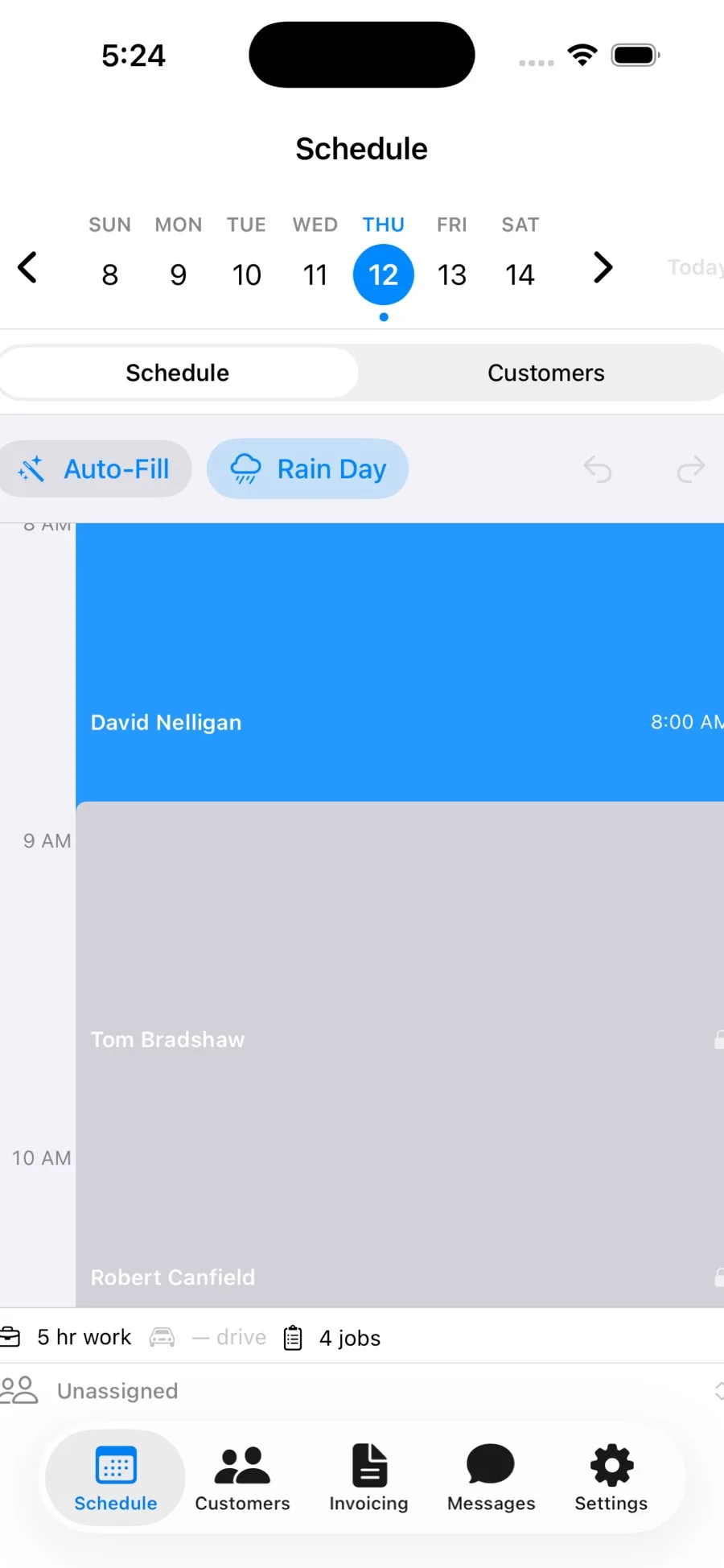
Drag customers onto the day, set the order and send it to every crew in one tap. No phone calls, no group texts.
Dispatch smarter. Bill faster.
The dispatcher plans the day on an iPad. The crews get their jobs on their iPhones, in English or Spanish. Time tracks itself when a truck arrives on site, and finished jobs become invoices ready for QuickBooks.
iPad for the dispatcher, iPhone for the crews. Crew members download free.
The big platforms run $150 to $350 a month and hold scheduling, invoicing and QuickBooks behind their top tiers. Small operators end up on spreadsheets and group texts instead.
Stripes is built for the company running one to ten crews that just needs the day to go right.
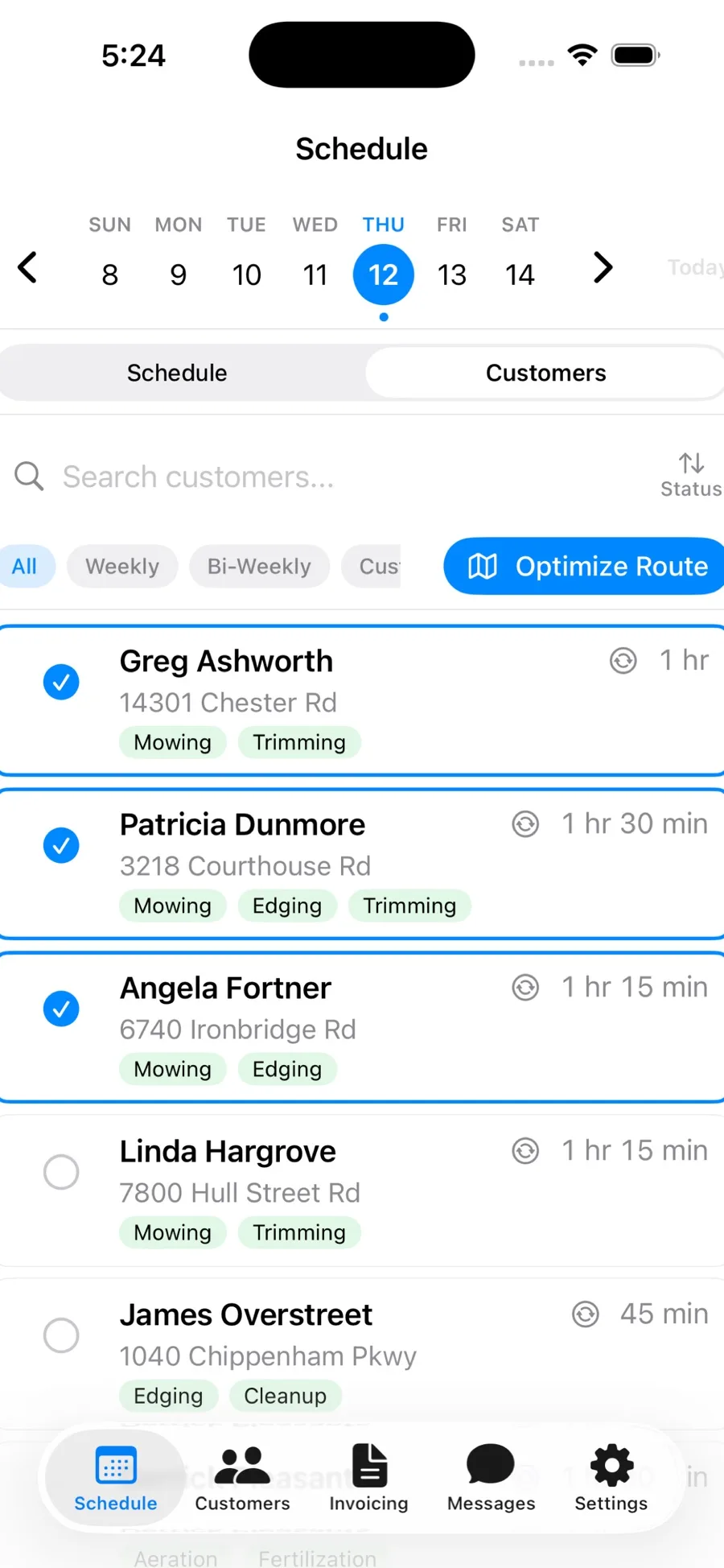
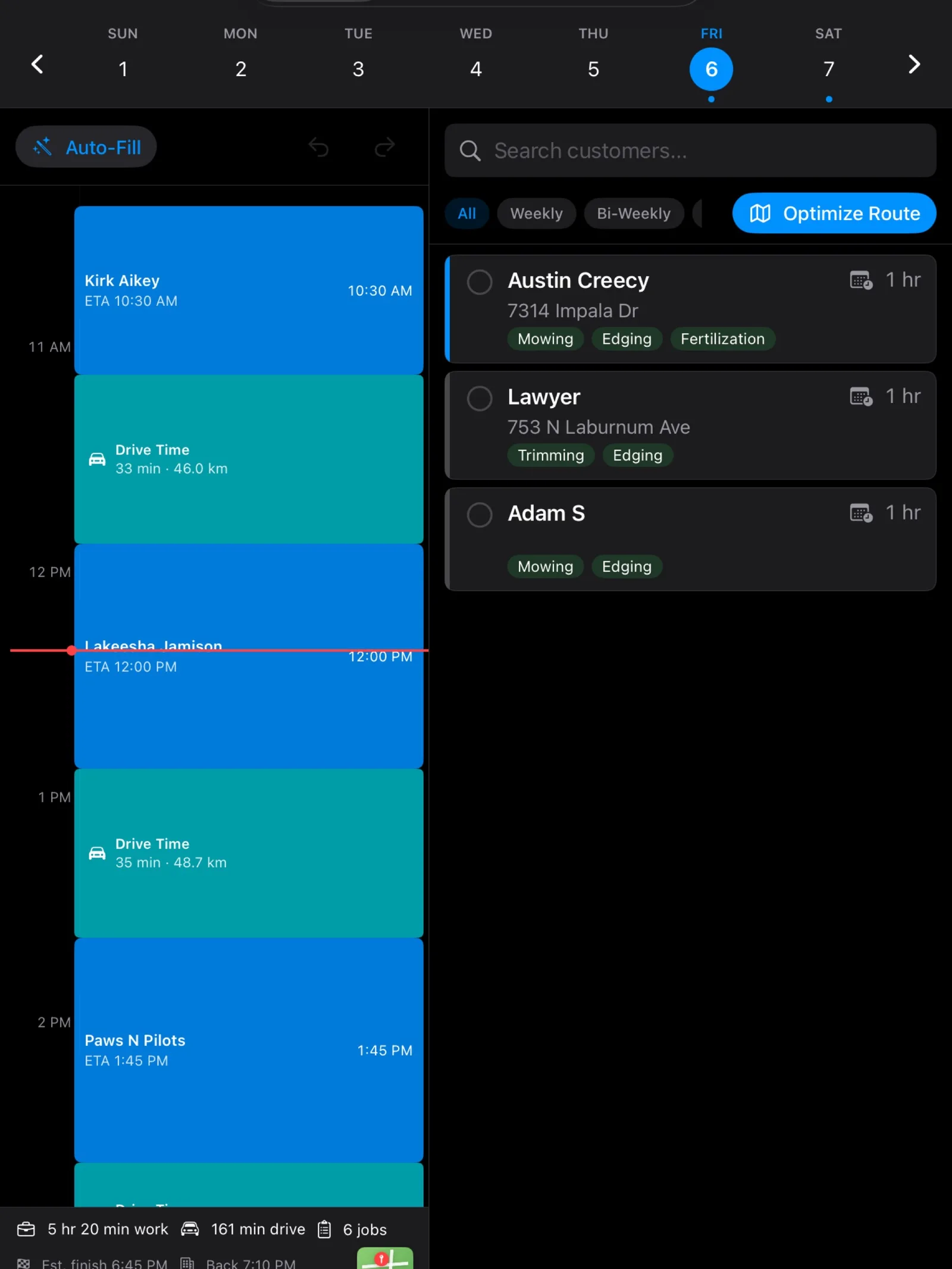
Drag customers onto the day, set the order and send it to every crew in one tap. No phone calls, no group texts.
Stripes works out the most efficient driving order for each crew’s day. Fewer miles, more jobs, and you can still drag a stop wherever you want it.
When a crew arrives at a property the job timer starts. When they leave it stops. Your labor costs become exact without anyone touching a clock.
A finished job becomes an invoice waiting for your review. Approve it and it goes to QuickBooks. No double entry.
Job details, navigation, the timer and notes are fully translated, so you can hire the best crew regardless of language.
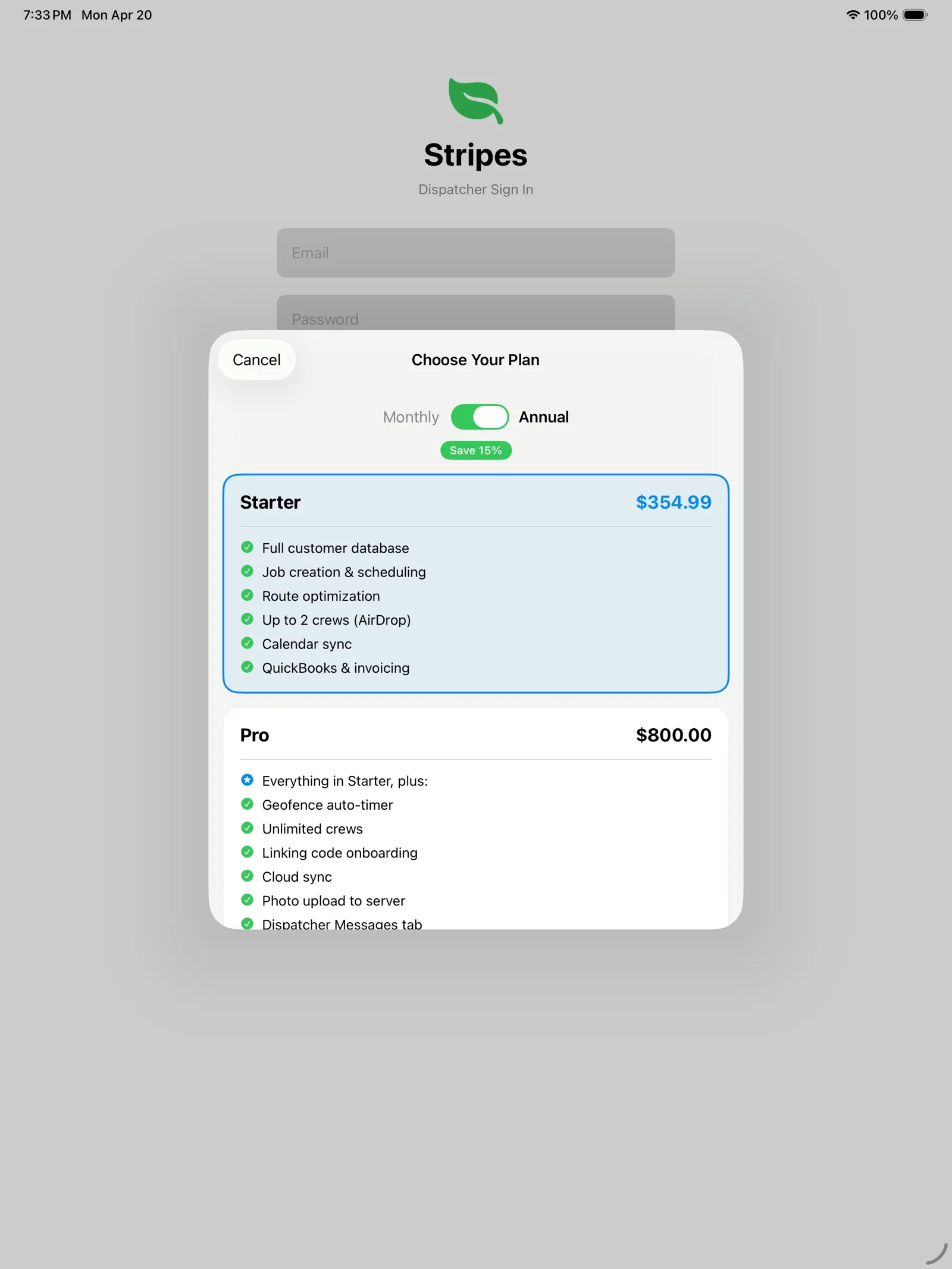
$35 a month
For one or two crews
$79.99 a month
For three crews or more
Save about 15% billed yearly. Unlimited crew members on both plans. Cancel any time in the App Store.
No. One subscription covers every crew device. Crew members download the free app and join with an AirDrop invitation on Starter or a linking code on Pro.
Connect QuickBooks once in Settings. When a job is marked complete, Stripes drafts the invoice for your review; approve it and it is sent to QuickBooks.
Starter syncs through iOS Calendar and iCloud. Pro needs a connection for live crew sync, and the crew app keeps its job list for offline viewing.
Starter covers one or two crews with no server. Pro adds cloud sync, photos and QuickBooks for bigger operations.
For iPad and iPhone. From $35 a month.
Download on the App Store