Everything CAP. In Your Pocket.
Your Civil Air Patrol Companion
Forms, references, training materials—everything a CAP member needs, available offline. At a squadron meeting, on a search sortie, or studying for the next promotion. CAP Wingman keeps you prepared.
The CAP Member's Challenge
You're at a squadron meeting. No WiFi. You need CAPR 60-1, section 3.4. Your phone's browser isn't loading. You're out of luck.
Or you're on a search sortie. Deep in the mountains. Cell service disappeared 20 miles ago. You need the mission debrief form. It's online. You can't access it.
CAP Wingman was built for these moments. Everything you need, available offline, in your pocket.
What You Can Do
Every Form, Ready to Fill
All the CAP forms you need—mission paperwork, training records, activity reports—fillable right in the app. Save completed forms for quick reuse. Export to PDF for submission or printing. Stop hunting for forms. Stop printing blanks.
Regulations & Manuals, Searchable
CAPR 60-1, CAPP 60-33, operations manuals, and more. Search across all documents to find what you need fast. Bookmark frequently referenced sections. All available offline. Know the answer. Even without cell service.
Track Your Progress
Log completed training modules, certifications, and upcoming requirements. See what you need for your next promotion or mission qualification. Set reminders for expiring certs. Stay current. Stay qualified.
No Service? No Problem.
Download everything you need before heading to a remote sortie or rural squadron meeting. Forms, regs, training materials—all accessible without internet. Syncs when you're back online. Mission-ready, anywhere.
Field Guides & Checklists
Mission checklists, radio procedures, airfield diagrams, phonetic alphabet—quick references for the field. Pin your most-used guides to the home screen. Less fumbling. More focus.
All Your Devices, Your Data
Use on iPhone during missions, iPad at squadron meetings, Mac for training prep. Everything syncs via iCloud. Your training records stay private—no tracking, no data collection. One app. One purchase. Complete privacy.
See It in Action
Access forms, search regulations, track training—all offline when you need it most.
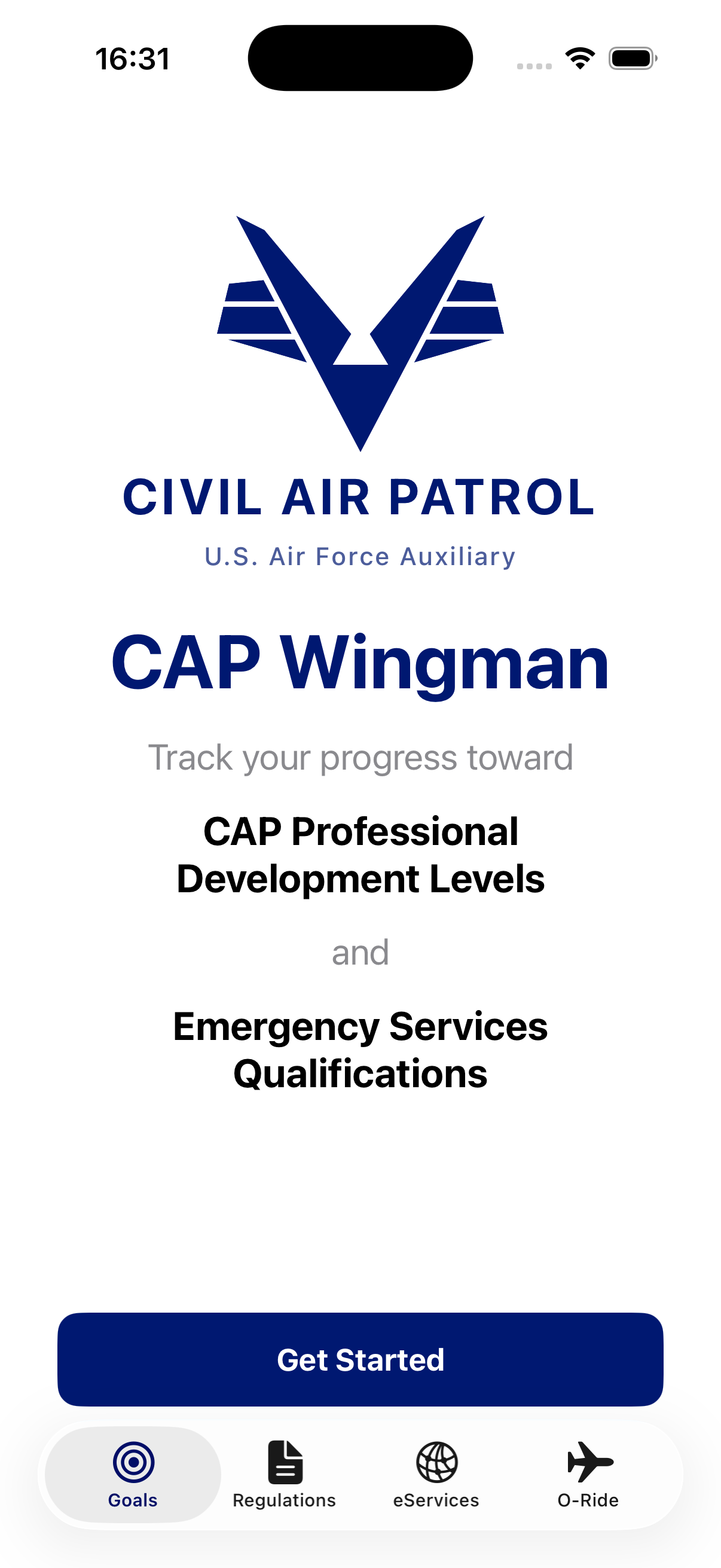
Everything you need, one tap away
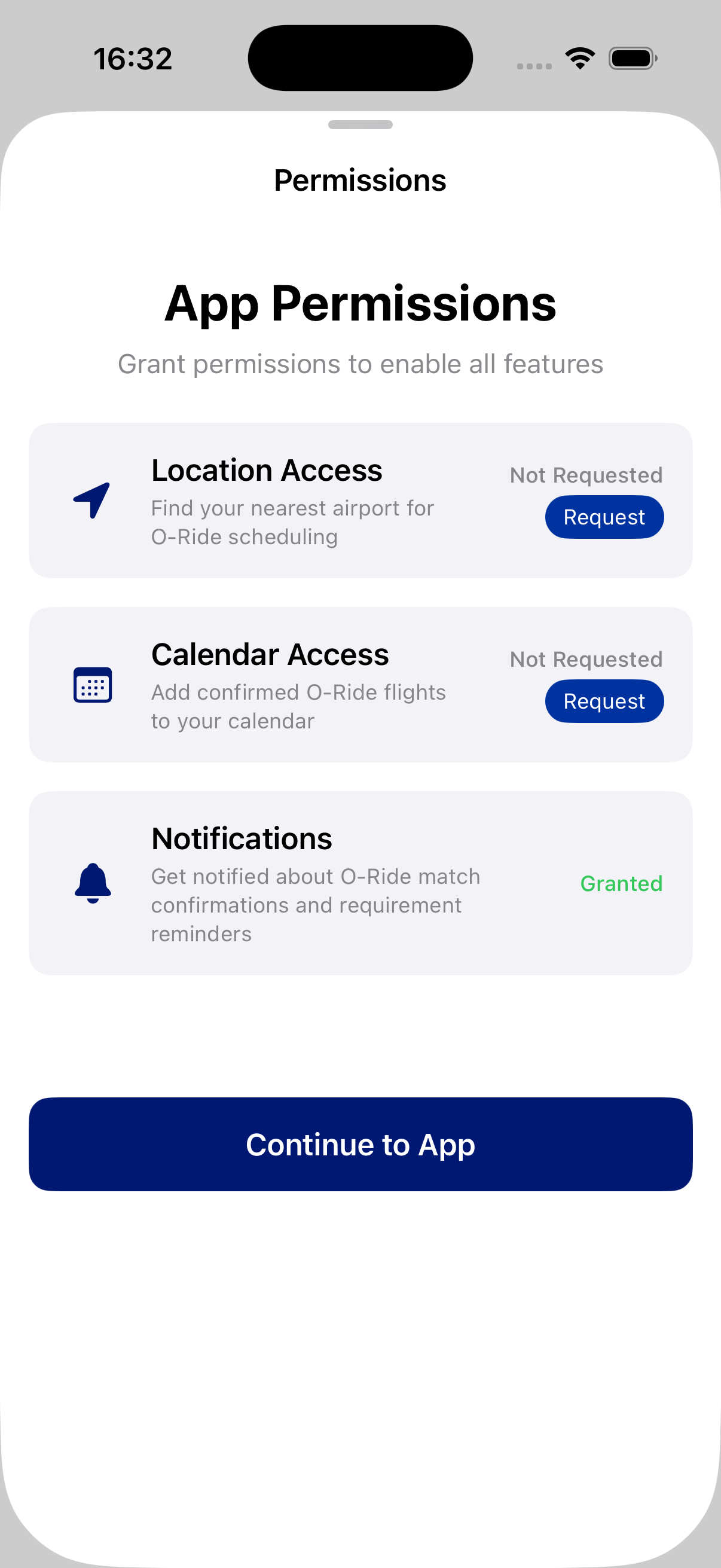
Every CAP form, ready to fill
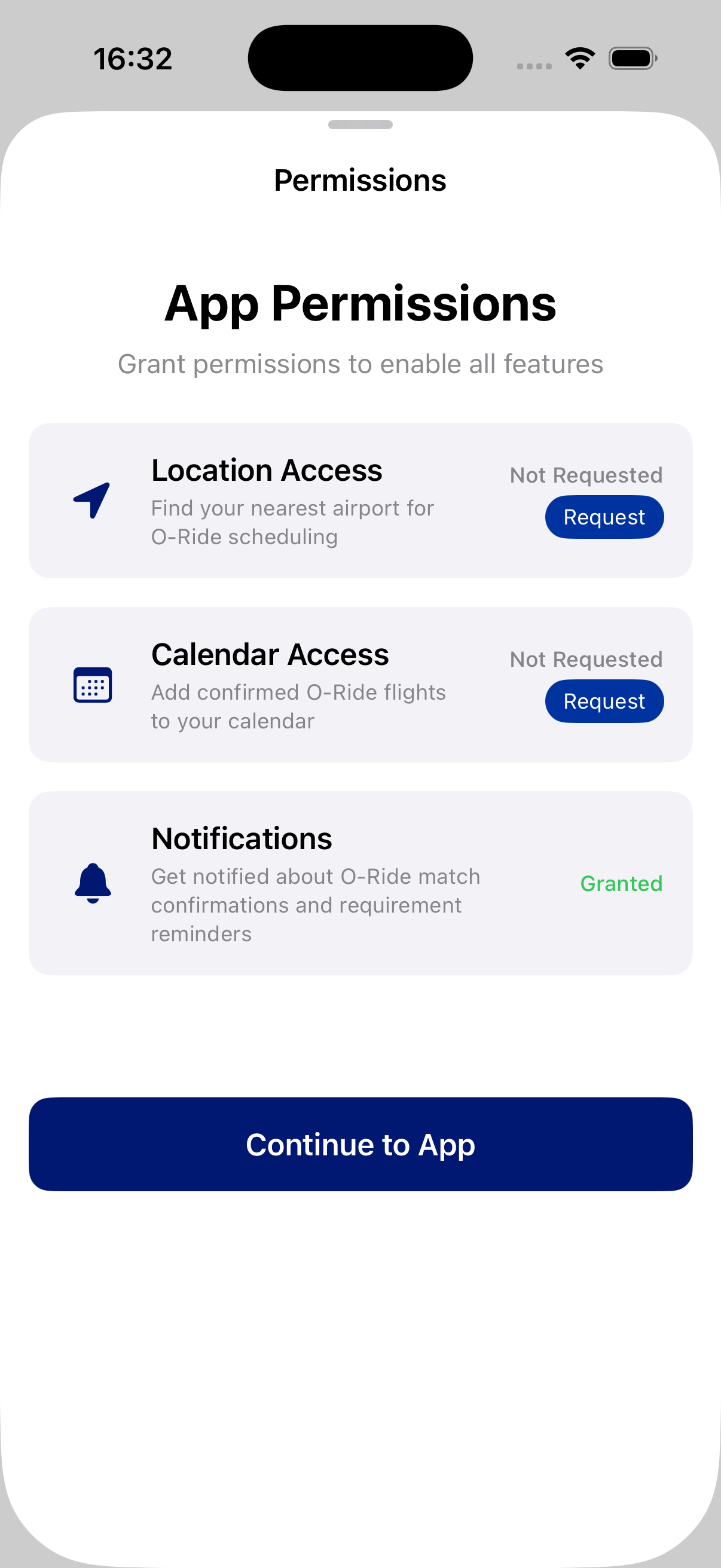
Search all regs instantly
Our Promise
No cost to CAP members. All features, all devices. Works everywhere, not just when you have internet.
Download everything before you head out. Forms, regulations, checklists—all available without cell service. Perfect for search sorties in rural areas and remote squadron facilities.
CAP Wingman is an unofficial app created by active CAP members who wanted better tools. Not affiliated with CAP National HQ, but built with the same commitment to the mission.
Semper Vigilans
CAP Wingman helps CAP members stay mission-ready with offline access to forms, regulations, and training materials.
Inquire About AccessFree for CAP members • Not available on App Store
Questions?
Is this official CAP software?
No. CAP Wingman is an unofficial app made by CAP members for CAP members. It's not affiliated with CAP National HQ or the United States Air Force.
Are the forms and regulations current?
We update content regularly, but you should always verify critical information with official CAP sources or your chain of command before submitting official documents.
Does it work completely offline?
Yes. Download all content while you have internet, and everything works without connectivity. Perfect for remote missions and rural squadrons.
Can I submit forms directly through the app?
You can fill and export forms to PDF. Submission depends on your wing's process—email, eServices, or printed copies.
How much storage does it use?
Approximately 200-500 MB depending on how many documents you download. You can manage downloads to save space.
Is my training data shared with CAP?
No. Your training tracker is private and stored only on your devices and iCloud. We don't share data with anyone.
Important Disclaimer
CAP Wingman is an unofficial app created by CAP members. It is not affiliated with, endorsed by, or connected to Civil Air Patrol National Headquarters or the United States Air Force. Forms and regulations are updated regularly but users are responsible for verifying current versions with official CAP sources. CAP Wingman is a reference and productivity tool. For official submissions, always verify requirements with your unit commander or wing.